
Section 12 · Running the System
12Data Stewardship
Good data is the whole point — coaching, forecasting, and reporting are only as good as what's in the system. This section covers the four tools that keep your data organized, recoverable, and accountable: labels, the recycle bin, audit history, and saved views.
Labels
Labels are colored tags for grouping companies and contacts — a campaign, an event, a priority, an import batch. Manage the catalog under Settings → Labels: create a label with a name, color, and description, and see how many records use it. Reps apply labels from any list or when importing.
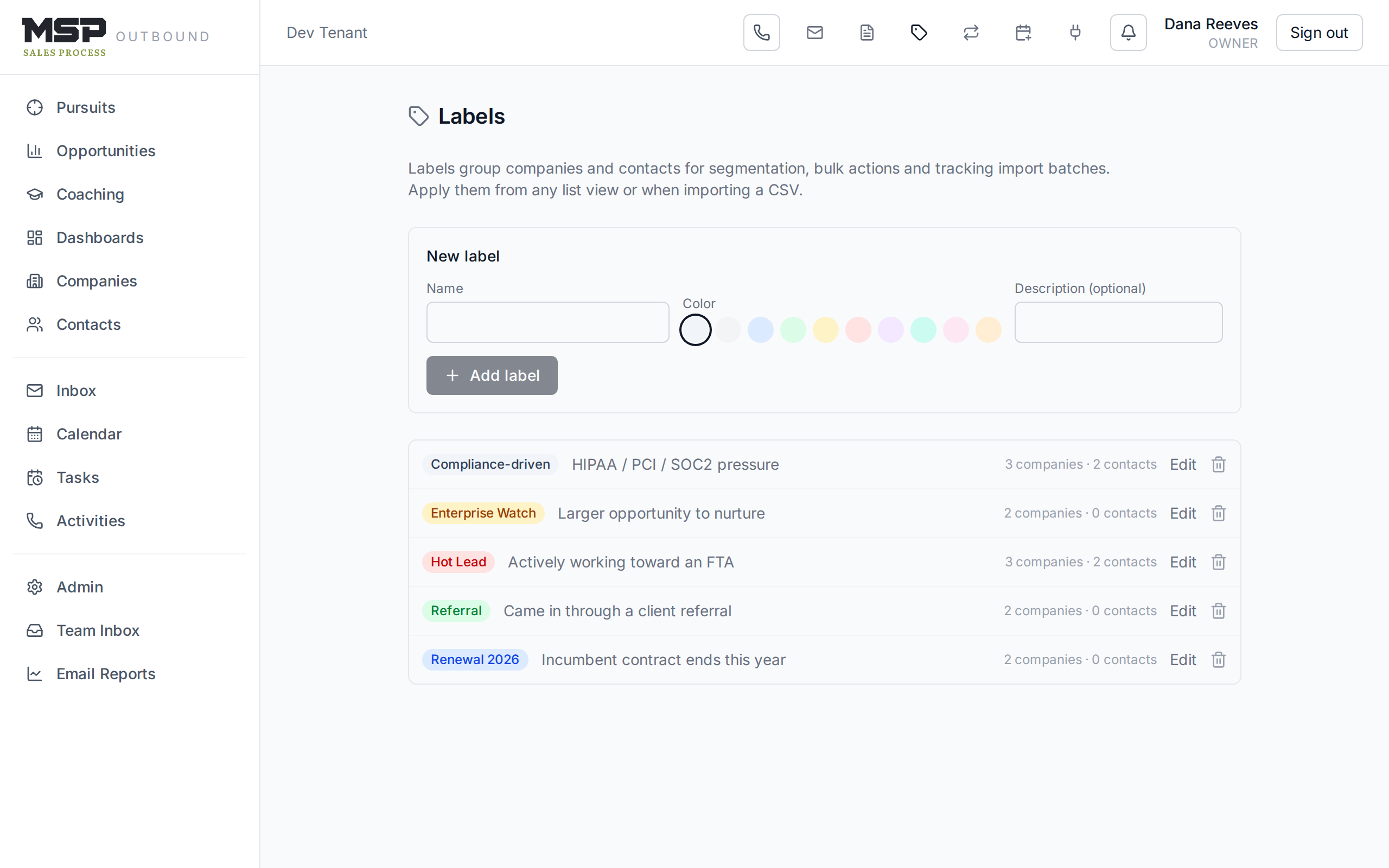
Figure 12.1The label catalog. Keep it tidy — a short, meaningful set beats dozens of one-off tags.
The recycle bin
Nothing is deleted by accident. When anyone deletes a company, contact, activity, or task, it goes to the recycle bin (Admin → Recycle bin), where it waits until someone restores it or permanently removes it. Deleting a company also holds everything under it — its contacts, activities, tasks, and appointments — together.
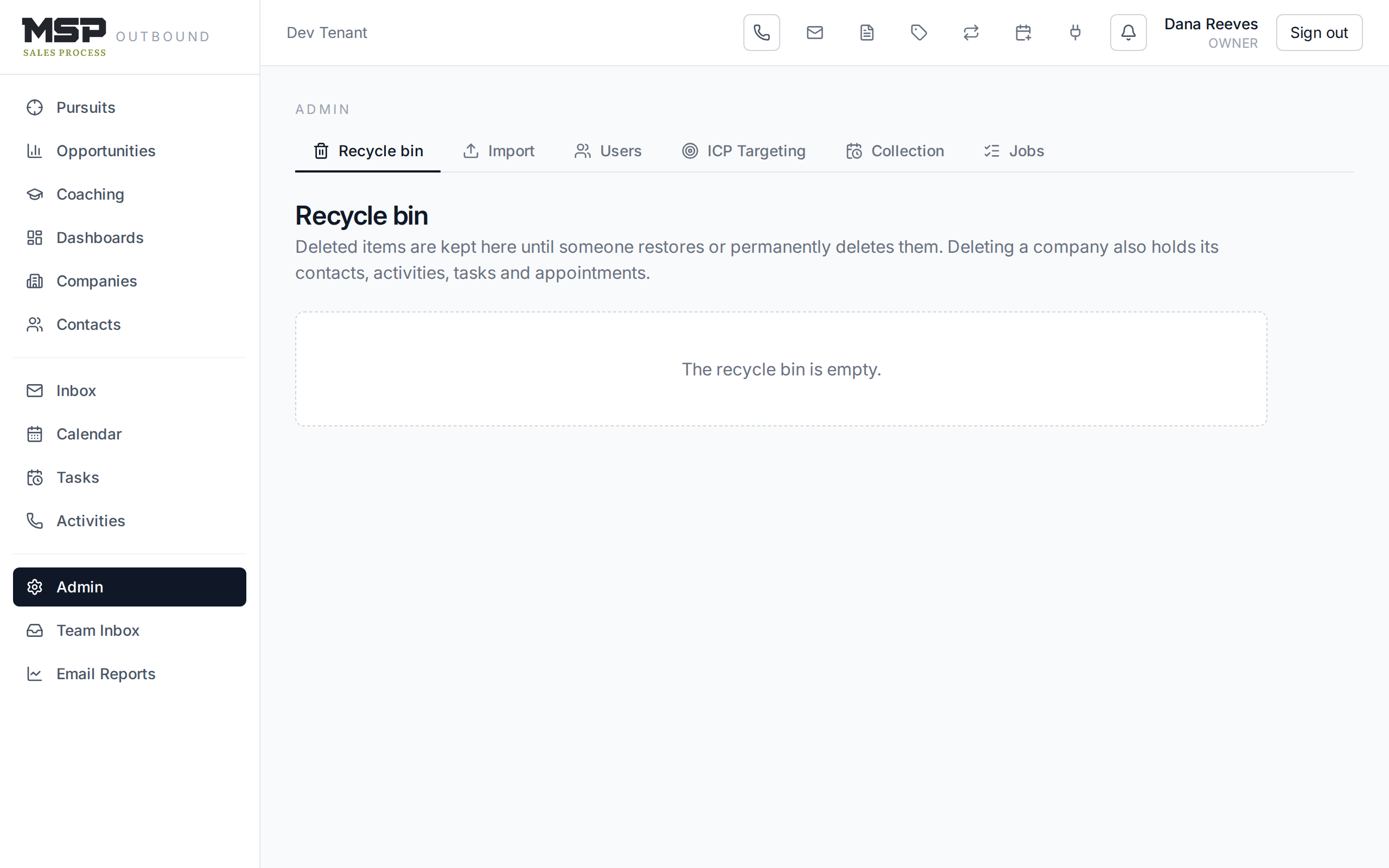
Figure 12.2The recycle bin. Managers can restore; only an Owner can permanently delete.
Who can do what
Restoring is available to managers, admins, and owners. Permanent deletion is owner-only — a deliberate guardrail so data can't be truly destroyed except by your most trusted role. When in doubt, restore; think twice before you purge.
Audit history
Every company keeps a History tab — an audit trail of who changed what and when, including creates, edits, deletes, restores, and purges. When you need to understand how a record got to its current state, or who touched it, this is the answer.
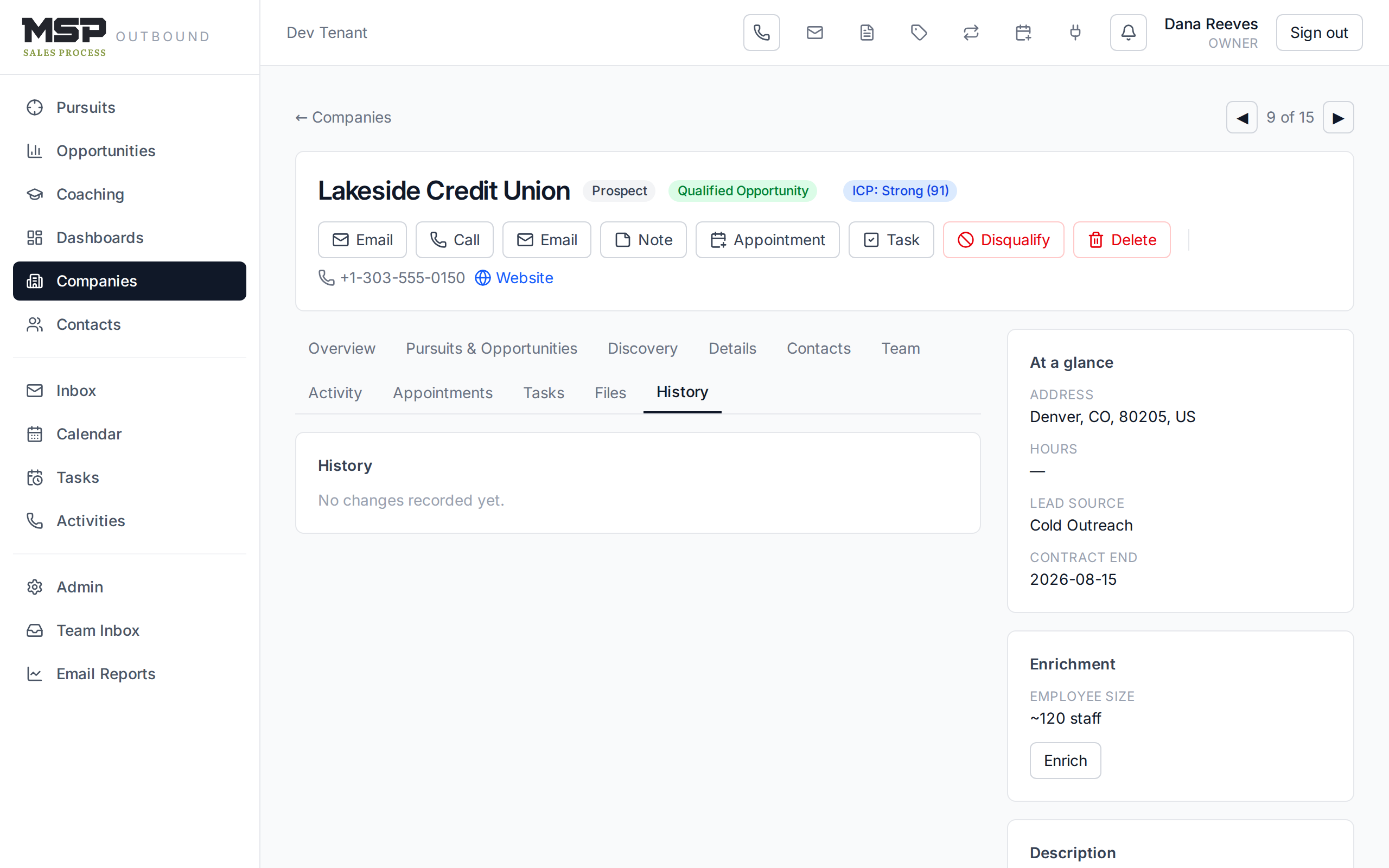
Figure 12.3A company's History tab. Accountability is built in, not bolted on.
Saved views
Saved views (Rep Guide §03) aren't just a rep convenience — they're a stewardship tool. A shared, well-named view like "Leads Ready for FTA" or "Stalled deals — 30+ days" gives the whole team one definition of an important slice of data. A view's owner controls it; sharing makes it a team standard.
Why stewardship matters
The method lives or dies on the phrase "if it isn't in your CRM, it didn't happen." That only works if the data is trustworthy: consistent labels, nothing lost, a clear record of changes, and shared definitions of what matters. Stewardship is how you keep the system worth trusting.
The bottom line
Organized, recoverable, accountable.
Labels organize, the recycle bin recovers, history holds people accountable, and saved views set shared standards. Tend these and your data stays an asset instead of a liability.